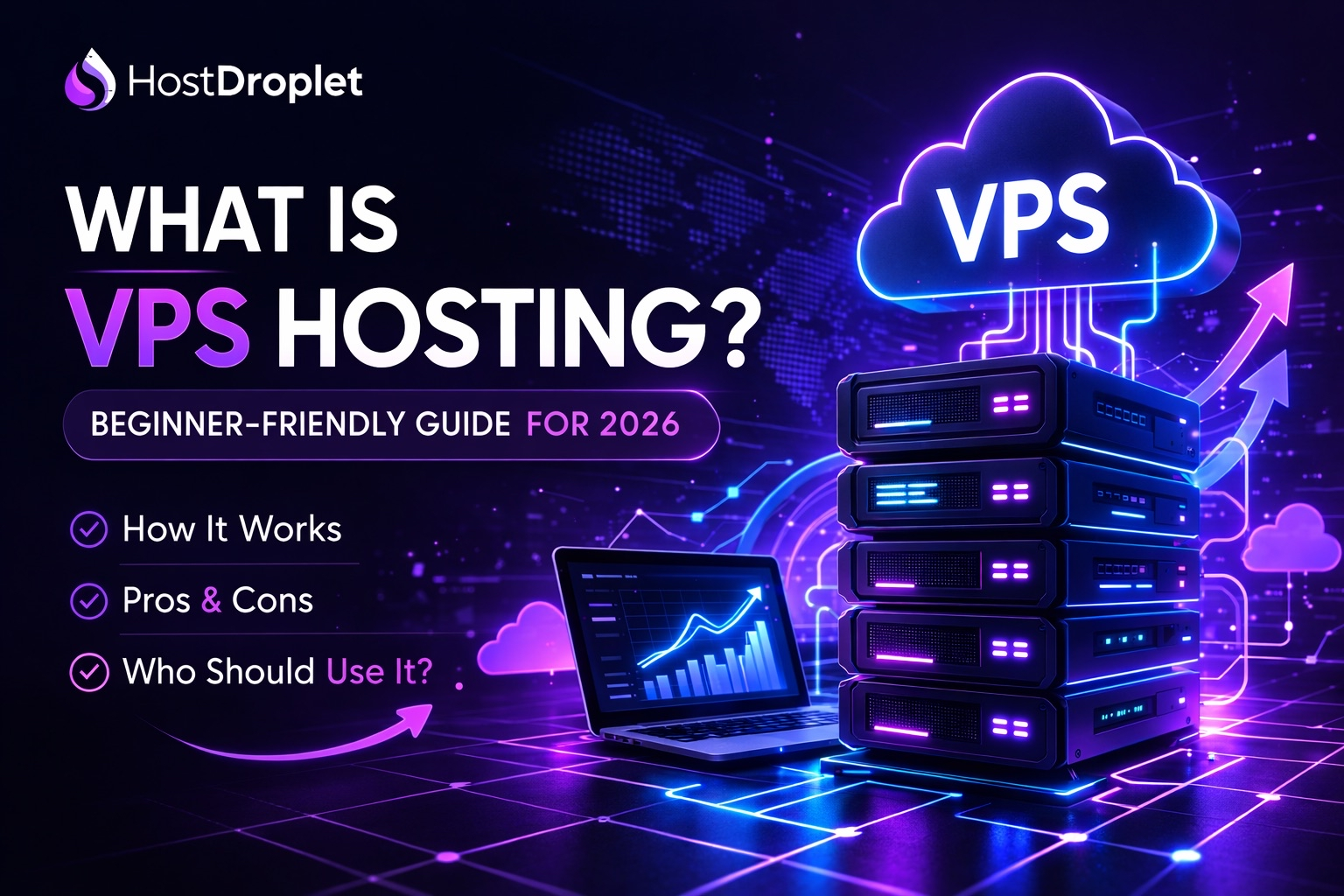
What is a VPS Server? A Complete Beginner’s Guide
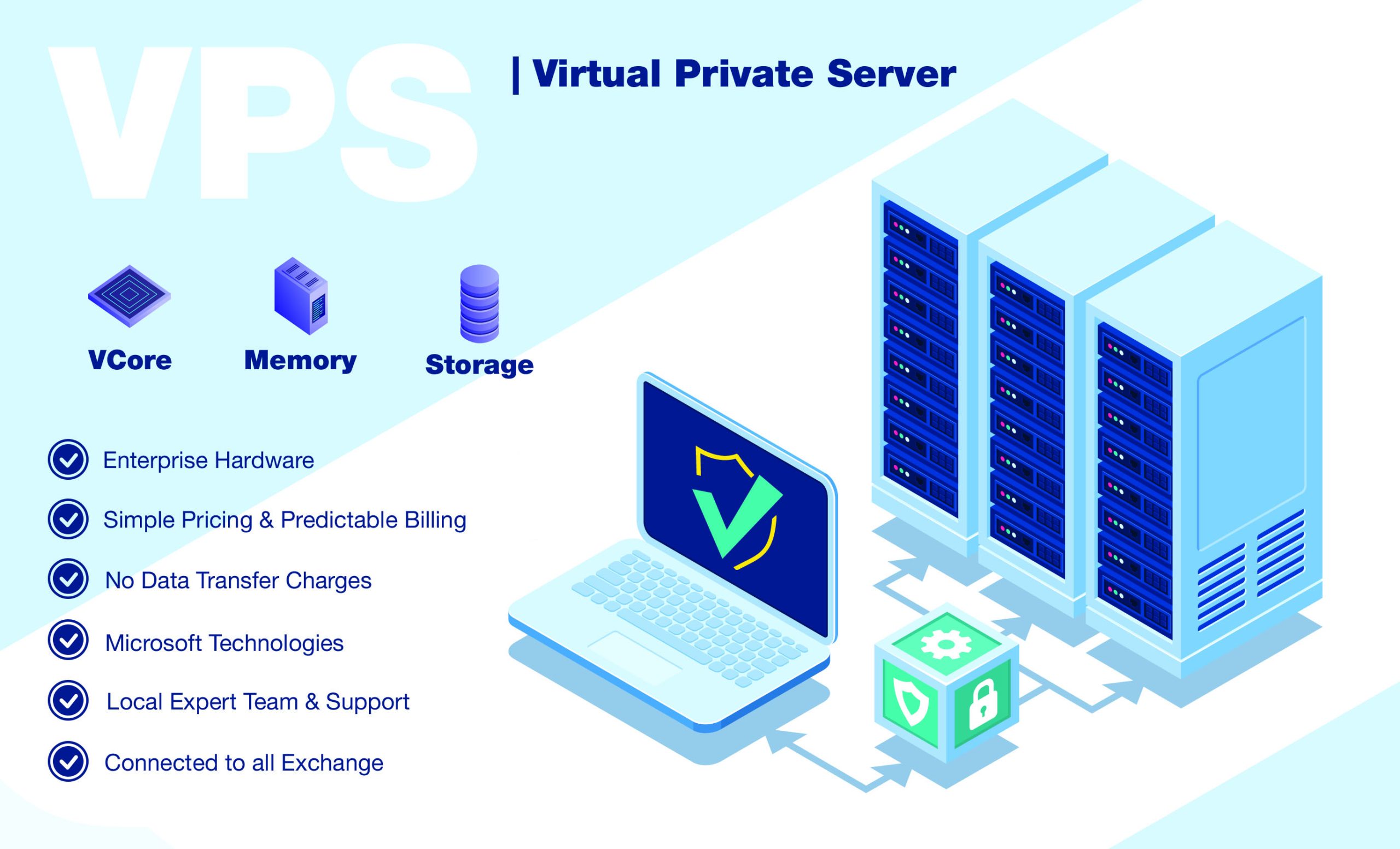
A VPS (Virtual Private Server) is a virtualized server environment that provides dedicated resources within a physical server. It gives users more control, flexibility, and customization compared with traditional shared hosting.
For businesses, developers, startups, and website owners, a VPS can provide a balance between affordability and server-level control.
At Server Kaka, we focus on making VPS and server technology easier to understand so users can choose the right infrastructure for their websites and applications.
🖥️ What is a VPS?
VPS stands for Virtual Private Server.
A physical server can be divided into multiple isolated virtual environments using virtualization technology. Each VPS operates as an independent server environment with its own allocated resources and operating system.
For example, one physical server might host several VPS environments:
Physical Server → Virtualization → VPS 1 | VPS 2 | VPS 3 | VPS 4
Each VPS can run its own applications and services independently.
⚙️ How Does a VPS Work?
A VPS uses virtualization technology to divide physical server resources into separate virtual machines.
The physical server provides resources such as:
- CPU
- RAM
- Storage
- Network connectivity
These resources are allocated to individual VPS environments according to their configuration.
Each VPS can have its own:
- Operating system
- Applications
- Users
- Files
- Security settings
- Server configuration
This gives users significantly more control than typical shared hosting.
🐧 VPS and Linux
Linux is one of the most commonly used operating systems for VPS servers.
Popular Linux distributions include:
- Ubuntu
- Debian
- AlmaLinux
- Rocky Linux
- CentOS Stream
Linux VPS servers are widely used for websites, APIs, databases, development environments, web applications, and many other workloads.
Users can manage Linux VPS servers through tools such as SSH, control panels, and server-management software.
🔐 Why Choose a VPS?
1. More Control
A VPS can provide administrative access that allows users to configure the server according to their requirements.
2. Flexible Configuration
Users can install software, configure services, and customize the operating environment.
3. Resource Allocation
A VPS has allocated computing resources, helping provide more predictable resource availability than basic shared hosting.
4. Scalability
As a website or application grows, VPS resources can often be upgraded according to the hosting provider's available plans.
5. Suitable for Multiple Workloads
A VPS can be used for:
- Websites
- Web applications
- APIs
- Development environments
- Databases
- Business applications
- Testing environments
🌐 VPS vs Shared Hosting
Understanding the difference between VPS and shared hosting is important.
| Feature |
Shared Hosting |
VPS |
| Resources |
Shared |
Allocated virtual resources |
| Control |
Limited |
More control |
| Customization |
Limited |
Higher |
| Root/Admin Access |
Usually limited |
Often available |
| Scalability |
More limited |
Generally more flexible |
| Suitable For |
Basic websites |
Websites & applications needing more control |
The right choice depends on the application's resource requirements, technical needs, budget, and expected traffic.
💻 What Can You Host on a VPS?
A VPS can support many different types of projects.
🌐 Websites
Host business websites, blogs, portfolios, and content platforms.
🛒 E-commerce
Run online stores and supporting services when the server configuration meets application requirements.
🚀 Web Applications
Deploy custom applications and backend services.
🔌 APIs
Host APIs that connect websites, mobile applications, and other services.
🗄️ Databases
Run databases when the workload and architecture are appropriate for the VPS resources.
🧪 Development & Testing
Create isolated environments for software development and testing.
🔑 What is SSH?
SSH (Secure Shell) is a protocol commonly used to securely connect to and manage a remote Linux server.
For example, administrators can use SSH to:
- Install software
- Manage files
- Configure services
- Check server resources
- Update packages
- Manage users
- Review logs
SSH is one of the most important tools for Linux VPS administration.
🛡️ VPS Security
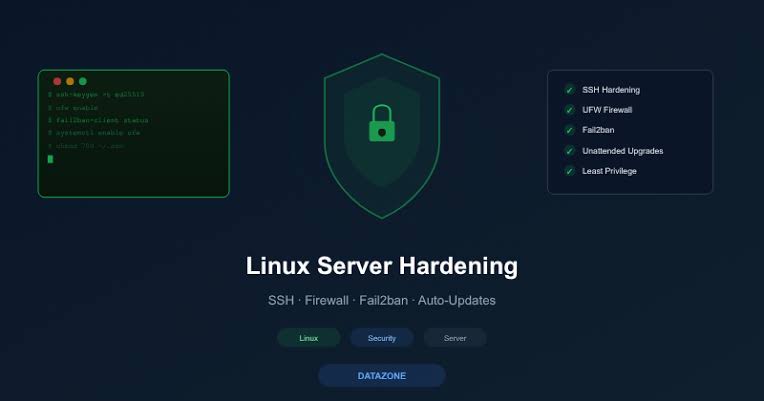
Having a VPS gives you more control, but it also means that server security becomes an important responsibility.
Some basic security practices include:
🔥 Configure a Firewall
Allow only required network traffic and services.
🔐 Use Strong Authentication
Use strong passwords and SSH keys where appropriate.
👤 Manage User Permissions
Give users only the permissions they actually need.
🔄 Keep Software Updated
Regularly apply operating-system and application security updates.
💾 Maintain Backups
Keep reliable backups of important files and databases.
📊 Monitor Your Server
Monitor CPU, RAM, storage, network activity, and important logs.
📈 When Should You Choose a VPS?
A VPS may be worth considering when:
- Your website has outgrown basic shared hosting.
- You need more server customization.
- You need specific software or configurations.
- You are deploying a web application.
- You need greater control over the operating system.
- You want an isolated virtual server environment.
However, VPS administration may require more technical knowledge than managed shared hosting.
🚀 Server Kaka – VPS & Linux Solutions
At Server Kaka, our goal is to make server technology simple and accessible.
Whether you are a developer, startup, business owner, website administrator, or technology learner, understanding VPS infrastructure can help you make better hosting decisions.
From VPS and Linux servers to cloud infrastructure, hosting, security, and server management, Server Kaka focuses on practical solutions for modern digital projects.
🖥️ Server Kaka
VPS | Cloud | Linux | Hosting | Server Security | Server Management
Build Better. Host Smarter. Grow Faster. 🚀